
Apple has launched the touchscreen MacBook Pro 2026, the first MacBook Pro with Multi-Touch input. Announced on October 28, 2026, the 14-inch and 16-inch models combine a tandem OLED display (marketed as PROLED XDR) with Apple’s M5 Pro and M5 Max chips and macOS 27. Preorders opened the same day, and the laptops go on sale on November 6, 2026, with US pricing starting at $2,899.
In this guide we break down the MacBook Pro 2026 specs, the new display, performance, battery life, ports, price and release date, and who should actually buy it.
Touchscreen MacBook Pro 2026: Key Takeaways
- Touch input: Multi-Touch comes to the MacBook Pro for the first time, alongside the keyboard and trackpad.
- Display: a tandem OLED screen (PROLED XDR) with up to 2,000 nits of brightness and up to 120Hz variable refresh rate.
- Chips: Apple M5 Pro or M5 Max, with up to 128GB of unified memory and up to 16TB of storage.
- Price: from $2,899 (14-inch, M5 Pro) and $3,399 (16-inch, M5 Pro) in the US, up to $4,799 for the top 16-inch M5 Max configuration.
- Release date: preorders opened October 28, 2026; availability begins November 6, 2026.
Touchscreen MacBook Pro 2026 Specs at a Glance
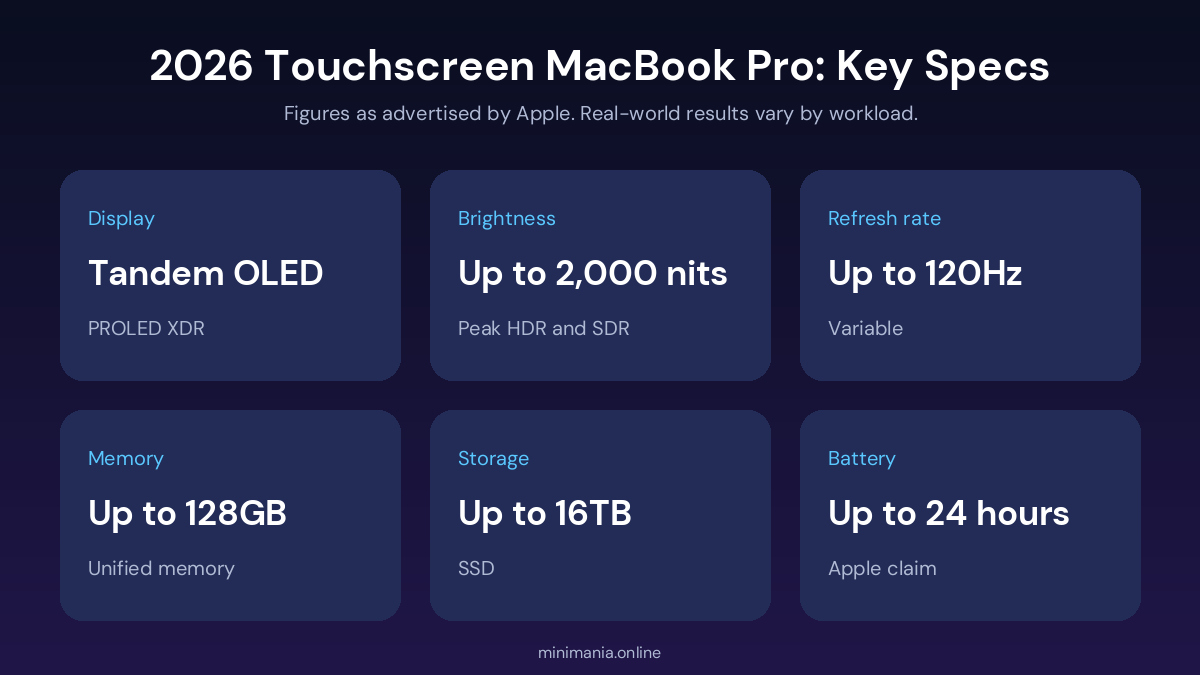
Here are the main specifications confirmed in Apple’s announcement. Advertised maximums are Apple’s figures and may not apply to every workload or configuration.
| Feature | 2026 touchscreen MacBook Pro |
|---|---|
| Display | Tandem OLED, marketed as PROLED XDR |
| Screen sizes | 14-inch and 16-inch |
| Touch support | Multi-Touch input |
| Peak brightness | Up to 2,000 nits |
| Refresh rate | Up to 120Hz, variable |
| Contrast ratio | 10,000,000:1 (Apple claim) |
| Processors | Apple M5 Pro or M5 Max |
| Unified memory | Configurable up to 128GB |
| Storage | Configurable up to 16TB |
| Battery life | Up to 24 hours (Apple claim) |
| Wireless | Wi-Fi 7 and Bluetooth 6 |
| Ports | Three Thunderbolt 5, HDMI, SDXC, MagSafe, headphone jack |
| Operating system | macOS 27 |
| Preorders | October 28, 2026 |
| Availability | November 6, 2026 |
PROLED XDR Display: Tandem OLED Explained
The display is the biggest hardware change. Earlier MacBook Pro models used mini-LED Liquid Retina XDR screens. The new models switch to tandem OLED, which Apple calls PROLED XDR, promising higher contrast, strong brightness and a wider colour range for demanding creative work.
What is tandem OLED?
OLED pixels emit their own light, so the screen can show very deep blacks without a conventional backlight. Tandem OLED stacks multiple light-emitting layers, which is designed to pair OLED contrast with the high brightness professionals need. That matters for colour grading, photo editing and footage with bright highlights and dark shadows. Final quality still depends on calibration, software and ambient lighting.
Brightness, contrast and 120Hz refresh rate
- Up to 2,000 nits of peak HDR brightness, and up to 2,000 nits SDR in supported conditions.
- A quoted contrast ratio of 10,000,000:1.
- A variable refresh rate of up to 120Hz for smoother scrolling and animation.
- Support for P3 and Adobe RGB colour spaces.
- An optional nano-texture finish to reduce reflections.
Peak brightness is not the same as sustained brightness, so the whole screen will not necessarily stay at maximum level continuously.
How does the touchscreen work for creative apps?
You can swipe through webpages, pinch to zoom into photos and move presentation elements directly. Apple highlights touch workflows in Final Cut Pro, Logic Pro and Pixelmator Pro, for example selecting a timeline section or playing a software instrument on screen. Touch does not replace a graphics tablet or a precision mouse, so artists should test their own apps first.
M5 Pro vs M5 Max: Performance and AI
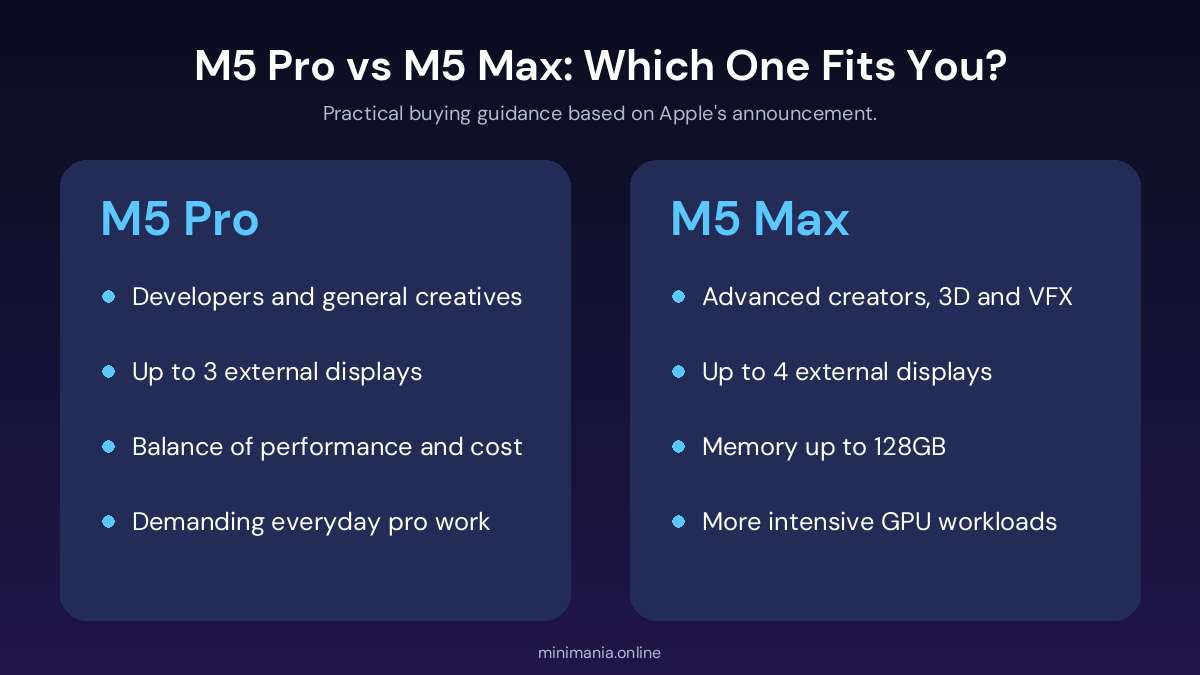
The MacBook Pro 2026 is powered by the M5 Pro or M5 Max. The M5 Pro suits developers, photographers and many video workflows. The M5 Max targets advanced creators who need more graphics performance or memory for complex visual effects, large 3D projects and high-resolution video editing.
| Consideration | M5 Pro | M5 Max |
|---|---|---|
| Typical audience | Developers and general creative professionals | Advanced creators and graphics-heavy professionals |
| Graphics workloads | Demanding everyday professional work | More intensive GPU-based work |
| Unified memory | Configuration-dependent | Up to 128GB |
| External displays | Up to three | Up to four |
| Best reason to choose | Balance of performance and cost | More graphics and memory headroom |
Both chips include Apple’s Neural Engine and support Apple Intelligence features in macOS 27. That does not mean every AI model will run locally or faster. Some apps rely on cloud services or need more memory, so check the requirements of your key software before choosing a configuration.
Memory and Storage: Up to 128GB RAM and 16TB SSD
Unified memory is shared by the CPU and GPU, which helps with large images, complex video timelines and big datasets. General office users, many photographers and developers on smaller projects may not need the top option. Video editors and 3D artists benefit most from extra memory. Buying the maximum is not automatically smart, so weigh your current workload against the price jump.
Storage reaches 16TB, which suits video professionals and photographers with huge libraries. For most people, a smaller internal SSD plus an external Thunderbolt drive is more economical.
Battery Life, Design and Hinge
Apple advertises up to 24 hours of battery life. That is a manufacturer claim under specified test conditions. Rendering, gaming, high brightness and heavy CPU or GPU work will reduce runtime. Apple also says the new models are thinner and lighter, with a redesigned hinge that keeps the display stable when you touch it. It is still a traditional laptop, not a convertible tablet, so the keyboard and trackpad remain central.
Ports, Wi-Fi 7 and macOS 27
- Three Thunderbolt 5 ports
- HDMI and an SDXC card slot
- MagSafe charging and a headphone jack
- Wi-Fi 7 and Bluetooth 6
- Touch ID
macOS 27 integrates touch into the Mac interface. Existing apps can respond because macOS translates touches into clicks, and developers get updated gesture APIs to build touch-first interfaces. The OS also includes Apple Intelligence features and an updated Siri, with availability varying by language and region.
MacBook Pro 2026 Price and Release Date
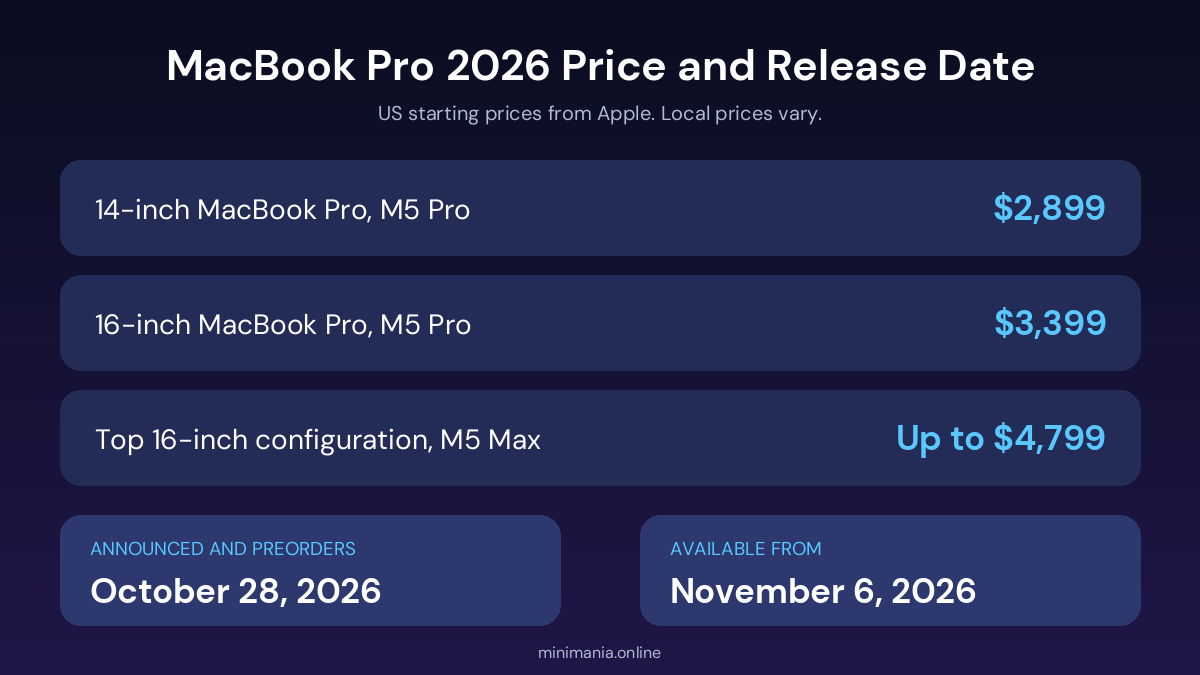
Apple announced the touchscreen MacBook Pro on October 28, 2026. Customer deliveries and retail availability begin on Friday, November 6, 2026. These are the US starting prices from Apple:
| Configuration | Starting US price |
|---|---|
| 14-inch MacBook Pro with M5 Pro | $2,899 |
| 16-inch MacBook Pro with M5 Pro | $3,399 |
| Top 16-inch configuration with M5 Max | Up to $4,799 |
Final prices vary by processor, memory, storage, taxes and options, and availability differs by country and reseller.
MacBook Pro 2026 price in Pakistan
The US price is only a reference for buyers in Pakistan. Exchange rates, shipping, taxes, duties and seller margins all change the final amount, and local launch may lag the first markets. Compare total prices from reputable sellers, ask whether the unit is an official regional configuration or an import, and confirm warranty coverage before paying.
Is the Touchscreen MacBook Pro 2026 Worth Buying?
It makes the strongest case for professionals who can use both the OLED display and direct touch. Owners of older Intel-based Macs have a clear reason to upgrade. Owners of a recent MacBook Pro that still handles their work comfortably may find the touchscreen alone hard to justify at this price.
- Video editors: OLED visuals and touch-enabled timeline control.
- Photographers: high contrast and broad colour support, with a colour-managed workflow.
- Developers: M5 Pro and M5 Max options for demanding environments.
- Musicians: touch control of compatible software instruments.
- Everyday users: convenient, but a cheaper laptop may do the job.
Consider waiting for independent reviews if you care about battery life under heavy load, long-term OLED durability, sustained performance or touch support in your essential apps.
Touchscreen MacBook Pro 2026 FAQ
Does the 2026 MacBook Pro have a touchscreen?
Yes. Apple introduced Multi-Touch support to the MacBook Pro for the first time with the 2026 models, alongside the keyboard and trackpad.
What display does the 2026 MacBook Pro use?
A tandem OLED display marketed as PROLED XDR, with up to 2,000 nits of peak brightness and up to 120Hz variable refresh rate.
Which chips power the touchscreen MacBook Pro?
Apple M5 Pro and M5 Max. The M5 Max adds more graphics and memory capability for intensive workloads.
What is the starting price of the MacBook Pro 2026?
In the US, $2,899 for the 14-inch M5 Pro and $3,399 for the 16-inch M5 Pro, rising to $4,799 for the top 16-inch configuration.
When does the touchscreen MacBook Pro go on sale?
Preorders opened on October 28, 2026, and availability begins on November 6, 2026, depending on market and retailer.
Conclusion
The touchscreen MacBook Pro 2026 combines a tandem OLED display, touch-enabled macOS 27, M5 Pro and M5 Max chips and professional ports. Its appeal is not just the touchscreen but how it adds direct interaction to familiar Mac workflows. Compare configurations, confirm local pricing and warranty, and read independent reviews before you buy. For more laptop news and tech guides, keep following MiniMania.